Quickstart
Two minutes from zero to your first findings.
1. Scan a domain
Output:
[*] Scanning example.com ...
[+] Bucket found: example.com-backups (AWS, 412 objects)
[!] SECRET  AWS Access Key ID  backup.sql:112  AKIA****EXAMPLE
...
The scanner:
- Crawls
example.comfollowing links (recursion 3 by default). - Resolves DNS CNAMEs pointing to S3-compatible storage.
- Probes bucket names derived from the domain (and, with
--permute, hundreds of permutations). - Downloads objects and matches them against secret-detection rules.
2. Get a report
# SARIF for GitHub Security / CI gates
uvx festin scan example.com --export sarif --output findings.sarif

# CSV for spreadsheets
uvx festin scan example.com --export csv --output findings.csv

# JSONL for log pipelines
uvx festin scan example.com --export jsonl --output findings.jsonl
3. Start the dashboard
Open http://127.0.0.1:8420:
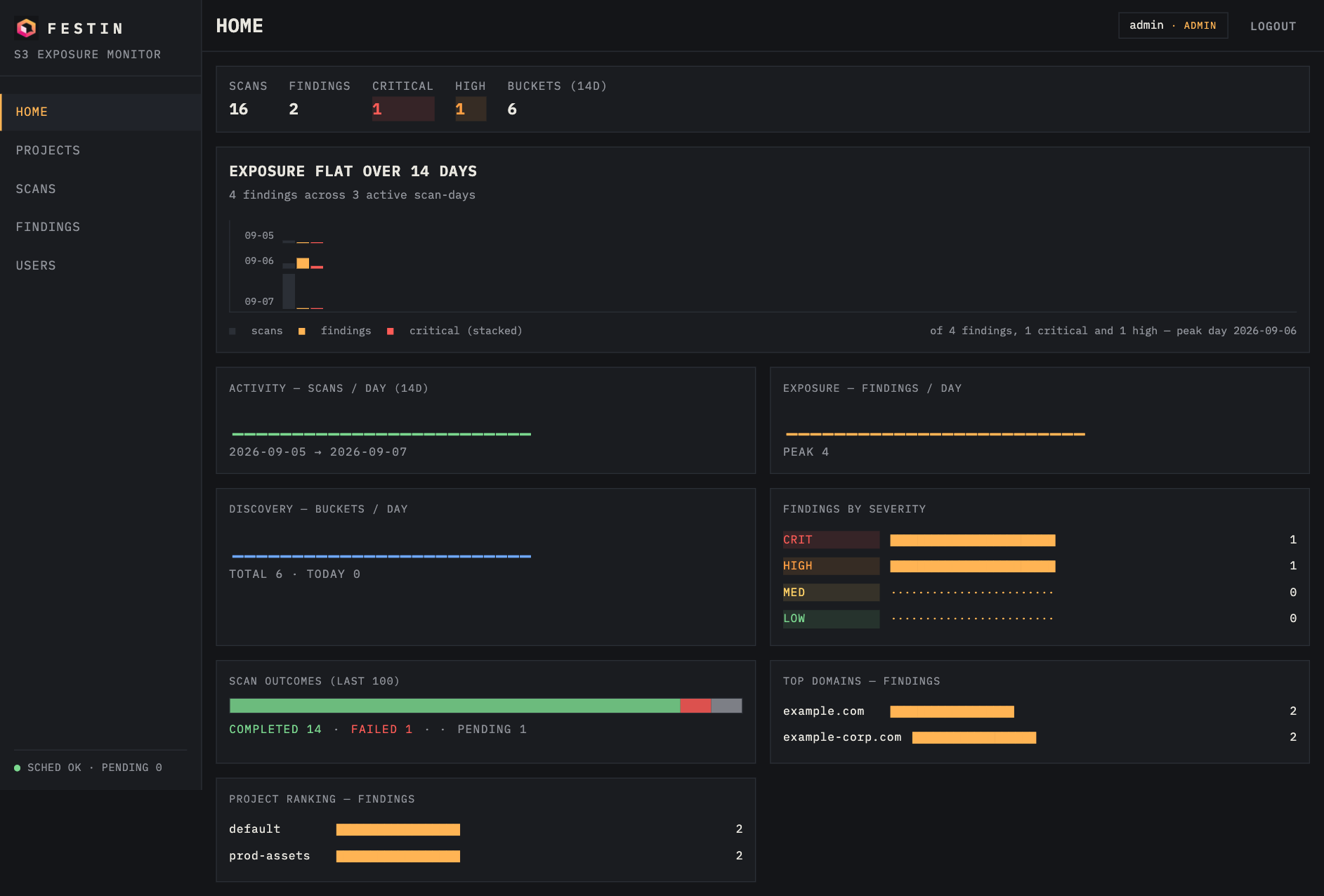
- The first account you register becomes the admin (bootstrap).
- Create a project, add domains to it.
- Hit RUN SCAN (ALL DOMAINS) — the service runs the same scanner engine as the CLI and persists every bucket and finding.
4. Schedule continuous monitoring
Inside any project:
- + SCHEDULE — rescan a domain every N minutes.
- The scheduler loop (10s tick) fires due scans automatically; results appear with
[DONE]/[FAIL]status tokens.
What next?
- Scanner CLI reference — every flag explained with examples.
- Dashboard tour — views, roles, workflows.
- REST API — automate everything with
curl. - Production deployment — Docker, Kubernetes, HA.